
Integration & Automation
Make the systems you already have work together.
Reliable integration can create more business value than adding another application. We connect identity, data, applications and workflows so information can move without creating uncontrolled complexity.
Why integration first
The cheapest system is often the one you already own.
Before another subscription is added, it is worth asking whether the systems already in place could serve the business better if they simply shared identity and data.
Lower cost of change
Connecting two working systems is usually cheaper, faster and less risky than replacing either of them.
Less friction for people
One login, one set of data, fewer manual re-entries — employees notice integration sooner than infrastructure.
Faster answers
When data moves on its own, reporting and decisions stop waiting for someone to export a spreadsheet.
Connected environment
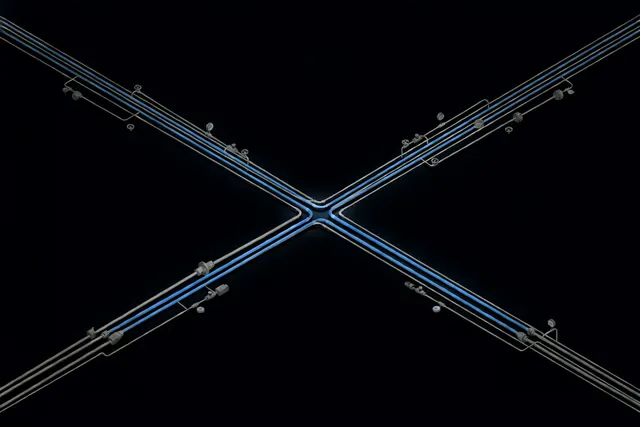
One identity. Explicit data flows. Systems that cooperate.
Integration succeeds when ownership, direction and failure behaviour of every flow are designed — not discovered later.
APIs · webhooks · gateways · controlled data flows
Integration areas
Where connections create value
APIs
- REST services and webhooks
- Application APIs and gateways
- Clear contracts and versioning
Identity
- OIDC and single sign-on
- Keycloak as identity broker
- LDAP and Active Directory integration
Data
- PostgreSQL and existing databases
- Structured exports and imports
- Synchronization with clear ownership
Collaboration
- Files, calendars and contacts
- Messaging and email
- Document-driven workflows
Business systems
- CRM and ERP touchpoints
- Internal applications and portals
- Process-level automation between them
Automation
- Repeatable operations automated end to end
- Monitored, idempotent, restartable jobs
- Failure alerts instead of silent stalls
Integration is architecture, not glue code.
A lasting integration has answers for the uncomfortable questions: who owns each record, what happens when a transfer fails halfway, which side wins a conflict, and how an engineer three years from now will understand the flow.
Data ownership
Every field has one authoritative source
Sync direction
One-way or two-way — decided, not implied
Failure modes
Retries, idempotency and alerting designed in
Observability
Flows are monitored like production systems
Lifecycle
Integrations are systems with a lifecycle
Permissions change, APIs version, workloads grow. We document the contracts, monitor the flows and plan the changes — so the environment keeps working after the original systems evolve.
Legacy modernization
Modernize around legacy systems before replacing them.
Older systems may still contain valuable business logic and years of operational knowledge. APIs, integration gateways, search and AI interfaces can sometimes extend their useful life while reducing friction for employees.
Replacement is sometimes the right answer — but it should be a decision based on architecture and cost, not frustration.
Integration & Automation
Systems that should be talking to each other?
Describe the systems involved and the information that has to move between them. We will outline the integration architecture — boundaries, ownership and failure behaviour included.